If Your Security System Goes Offline, Who Notices First?
If Your Security System Goes Offline, Who Notices First?
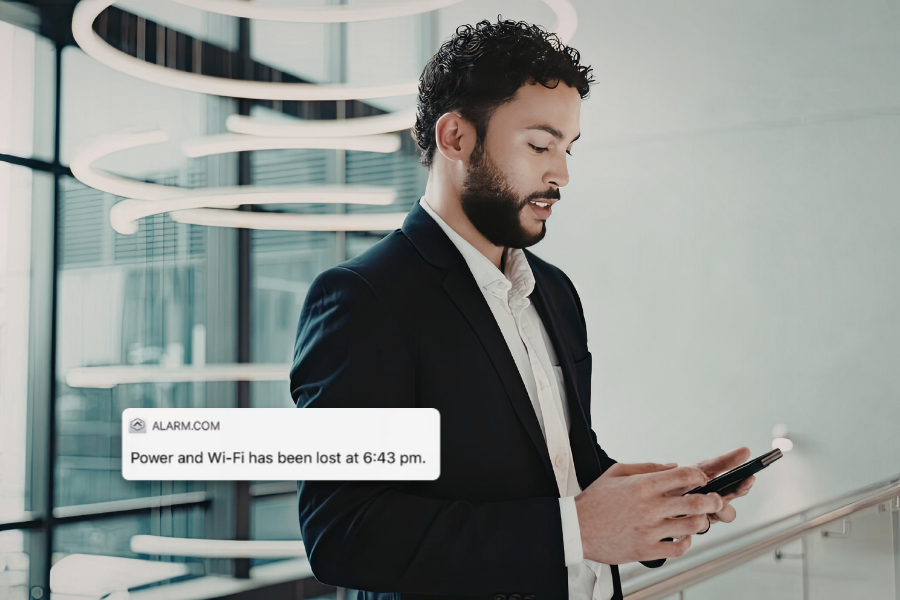
Most businesses know what should happen when an alarm is triggered or a security event requires attention. Less obvious is what happens when part of the security system itself stops working as expected.
A camera may lose connectivity, a recorder may stop communicating, or a network change may interrupt part of the system. Because these issues do not always disrupt normal business operations, they can remain unnoticed until someone tries to review footage or use a security feature that is no longer available.
Customers should know how their system indicates a problem, who is expected to notice it, and who contacts Security Cameras of Columbus when professional service is needed.
A Security Problem Does Not Always Look Like an Alarm
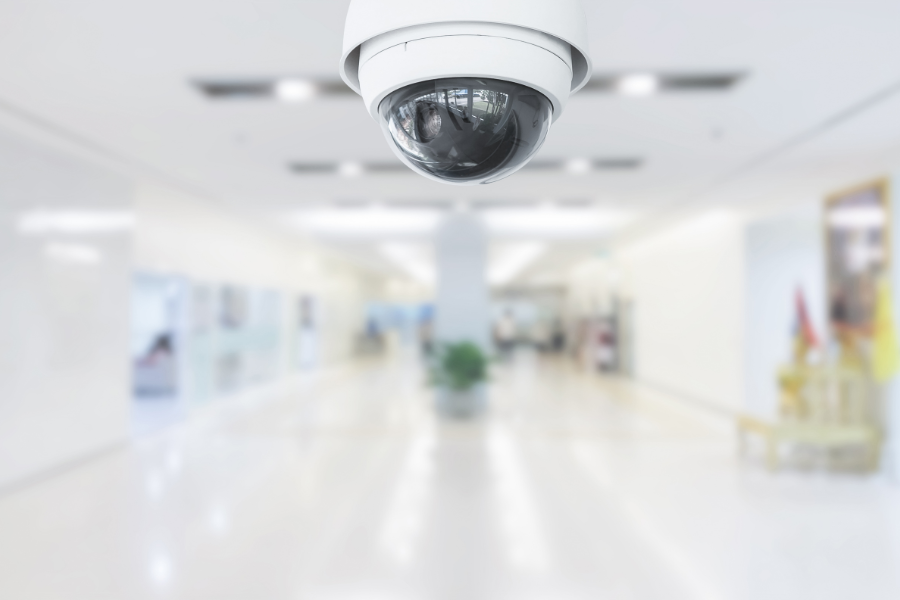
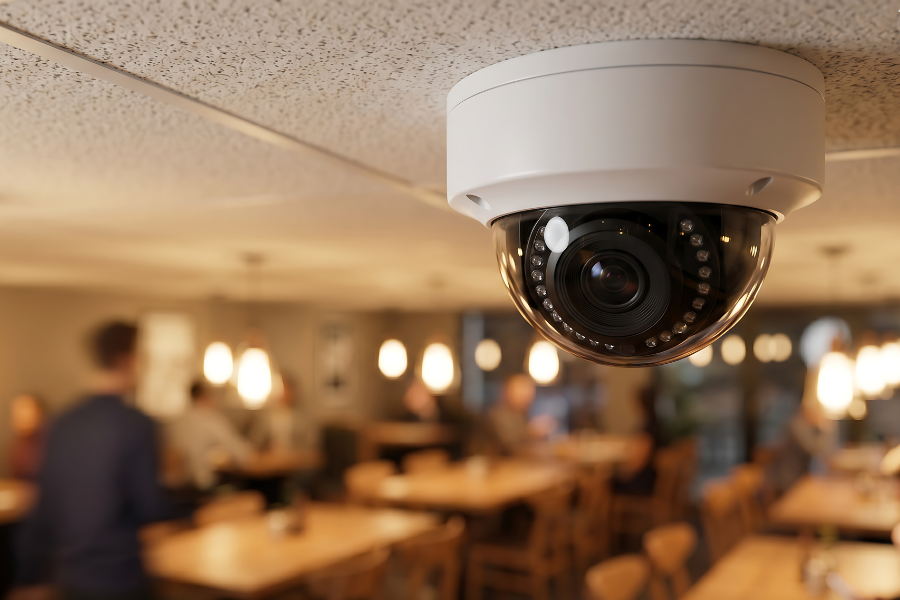
A camera mounted above an entrance may look perfectly normal even if it has stopped recording. A recorder can remain powered on while experiencing a storage or connectivity issue, and changes to a business network or internet service can affect security equipment without creating an obvious problem elsewhere in the building.
Discovering one of those issues when footage is already needed can leave a business without information it expected to have. Periodic system checks help identify problems earlier and give customers a better understanding of what their equipment should look like when everything is operating properly.
Know What Should Be Checked
A system-health review does not need to become a technical exercise. A few practical checks can help confirm that the equipment you rely on is still doing its job:
- Camera status: Confirm important cameras are online and showing the expected view.
- Recording: Verify that recent recorded video is available and can be retrieved.
- Date and time: Make sure timestamps remain accurate across the system.
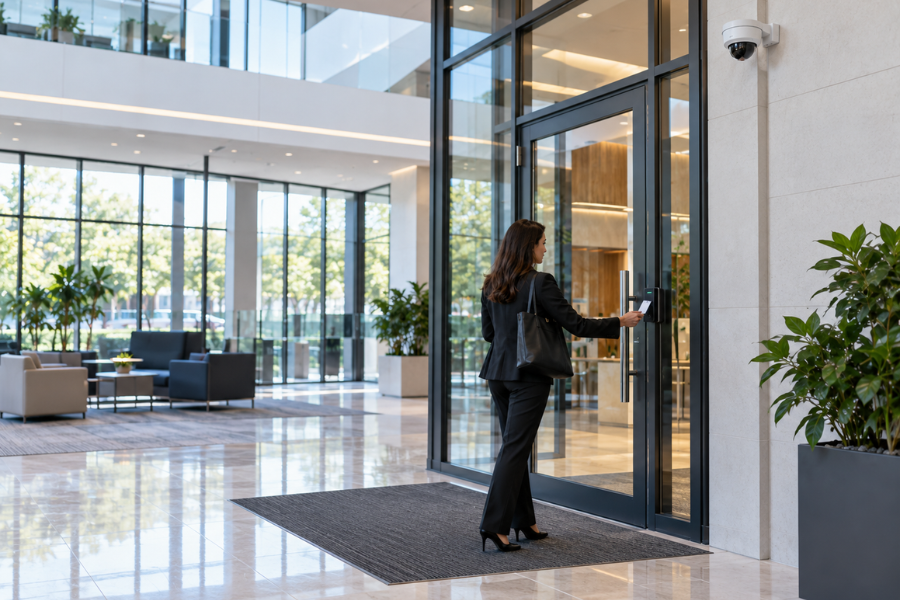
- Access-controlled doors: Confirm readers, credentials, and door activity are operating as expected.
- Notifications: Review who receives system or security alerts and whether their contact information is current.
Employees only need to recognize when something looks wrong and know who should handle the next step.
Have Questions About Your Existing Security System?
If you are unsure how your system reports device issues, who receives notifications, or whether all of your equipment is communicating properly, Security Cameras of Columbus can help review your current setup.Call (614) 356-3319 or contact our team online to schedule a security system review.
Make It Clear Who Owns the Follow-Up
Responsibility can become unclear when several departments interact with the security system. A facility manager may oversee physical security, IT may manage the network, and an operations manager may regularly review cameras or access activity. If an issue appears, each person may reasonably assume someone else is already handling it.
Assigning a primary internal contact creates a clear path for reporting concerns and communicating with Security Cameras of Columbus when service is needed. A backup contact is equally useful when the primary administrator is unavailable. The important part is making sure employees know who owns the next step rather than allowing a problem to sit unresolved.
Changes Elsewhere in the Building Can Affect Security
Security equipment does not operate independently from the rest of a facility. Network upgrades, internet-provider changes, electrical work, renovations, and other technology projects can affect cameras, recorders, access control, or remote connectivity.
If your business is planning infrastructure changes, include the security system in the conversation before work begins. Once the project is complete, confirm that cameras are recording, controlled doors are communicating, and remote access still functions as expected.
Know Your System Is Working Before You Need It
A commercial security system provides the most value when you know it is available before an incident occurs. Periodically checking camera status, recording, access control, and notifications can identify issues early, while assigning clear internal responsibility helps make sure those issues are addressed.
Security Cameras of Columbus can help existing customers review their systems, address service concerns, and keep security equipment operating in line with the needs of the business.
Call (614) 356-3319 or contact Security Cameras of Columbus to schedule a review of your existing commercial security system.