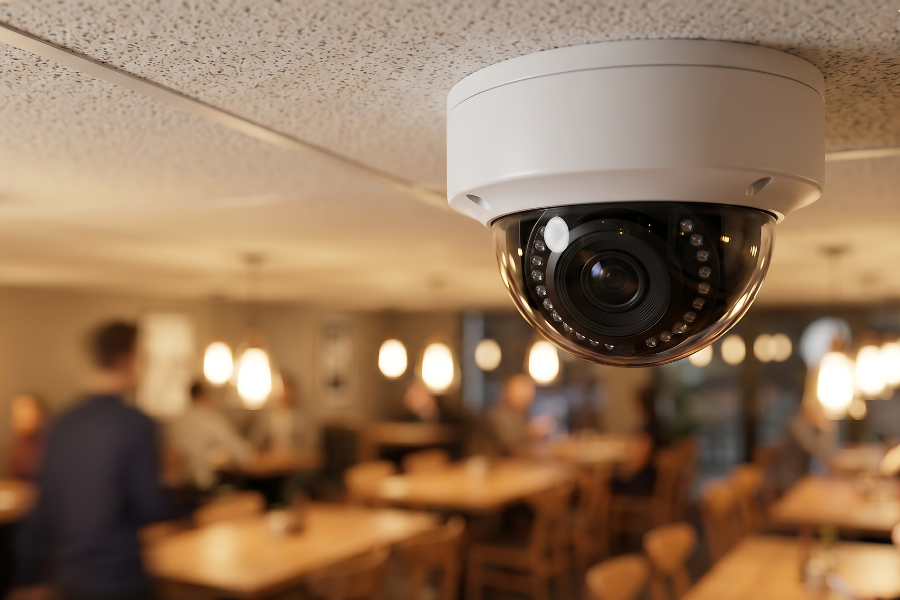
Update Security Schedules When Your Business Hours Change
Update Security Schedules When Your Business Hours Change
Business hours can change quickly. A company may open earlier, add a weekend shift, extend evening operations, or change when employees, cleaners, vendors, or deliveries are expected on the property. The security system may not automatically follow that change.
Depending on how the system is configured, access permissions, recording schedules, and other time-based settings may still reflect the old routine. Everything can appear to be working normally while those settings no longer match how the building is actually being used.
Security Cameras of Columbus supports businesses throughout the Columbus area with existing commercial security systems. When operating hours change, it is worth reviewing the schedules already built into the system.
Start With the Hours People Actually Use the Building
Posted business hours do not always reflect when people actually need to enter the property. Employees may arrive before customers, managers may stay after closing, and cleaning crews, maintenance providers, delivery personnel, or other authorized users may need access outside normal public hours.
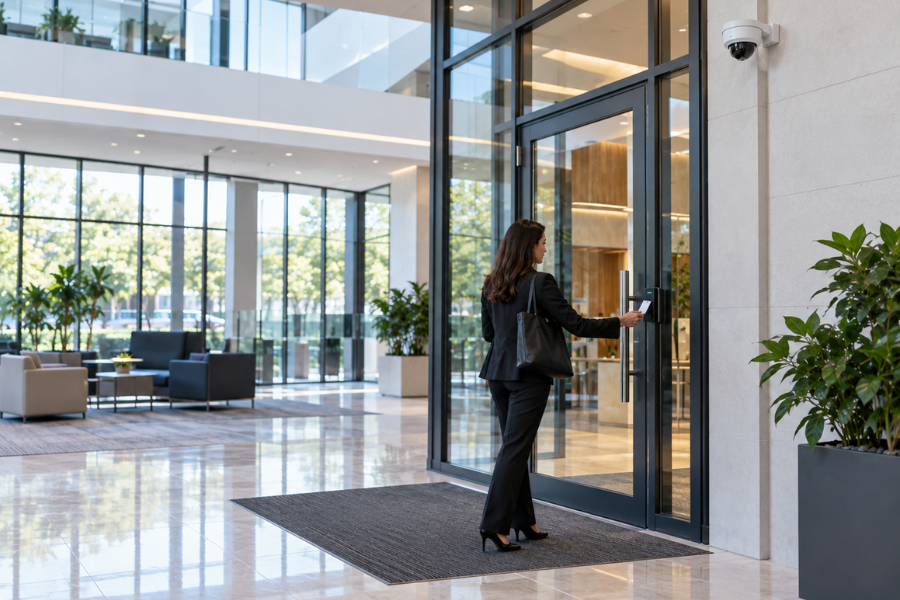
If your access control system uses time-based permissions, compare those settings with the new schedule. An employee who now starts earlier may still have access beginning at the old time, while a newly added weekend shift may not be reflected in Saturday permissions.
Focus the review on the doors, users, and time periods affected by the change. A schedule adjustment in one part of the business does not necessarily require changes across every access point or employee group.
Check the Video You Expect to Have During the New Hours
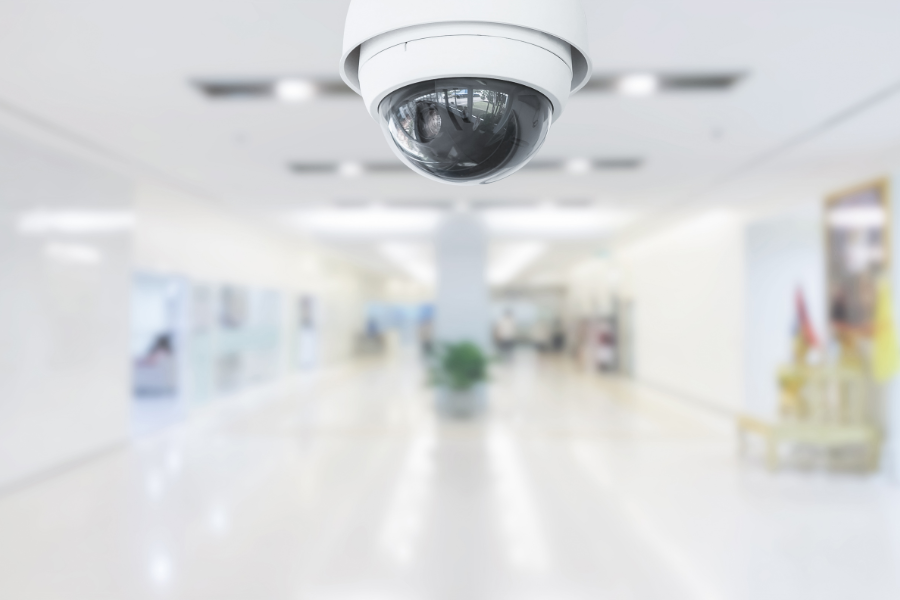
If your camera system uses recording schedules, confirm that important cameras are recording during the periods when activity now occurs. A schedule that made sense when the building closed at 5:00 p.m. may need attention if employees are now regularly working later.
After the new hours take effect, open your commercial video surveillance system and review footage from the newly active period. Choose normal activity you know occurred and confirm that the cameras you rely on recorded it as expected.
Review Your Security System After an Hours Change
If your Columbus-area business has changed its opening, closing, shift, or weekend schedule, Security Cameras of Columbus can help review time-based settings in your existing security system.
Call (614) 356-3319 or contact Security Cameras of Columbus for assistance with your current commercial security system.
Separate Permanent Changes From Temporary Ones
Not every change in operating hours is meant to last. Seasonal hours, short-term weekend work, temporary contractor access, holiday schedules, or a limited shift change may only affect the property for a specific period.
When adjusting time-based settings, note which changes are permanent and which should eventually be restored. A temporary access or recording schedule that remains in place after normal operations resume can leave the system following a routine the business no longer uses.
Use a Short Schedule Review
When business hours change, a simple review can help identify what needs attention:
- Confirm the new opening, closing, shift, and weekend hours.
- Identify doors with time-based access permissions that may be affected.
- Check whether authorized users now need access earlier or later.
- Review camera recording during the newly active periods.
- Note temporary access or recording schedule changes and the date they should be restored.
Keeping the review tied to the actual schedule change makes it easier to address the settings that matter without making unnecessary adjustments elsewhere in the system.
Make Security Part of the Hours Change
Security settings should be reviewed alongside staffing and facility changes whenever operating hours shift. If an earlier opening, later closing, or new weekend schedule becomes part of normal operations, make sure access permissions and recorded video still match how the property is being used.
If your business has recently changed its operating hours and you have questions about the schedules in your existing system, call Security Cameras of Columbus at (614) 356-3319 or contact our team for help reviewing your current setup.